Track, manage, and optimize your wine experience
Never stress about choosing wine at a restaurant again. Get instant AI-powered recommendations tailored to your dish and preferences.
Unlock powerful features for seamless wine pairing
Boost your dining experience with AI-powered analytics, real-time insights, and personalized recommendations.
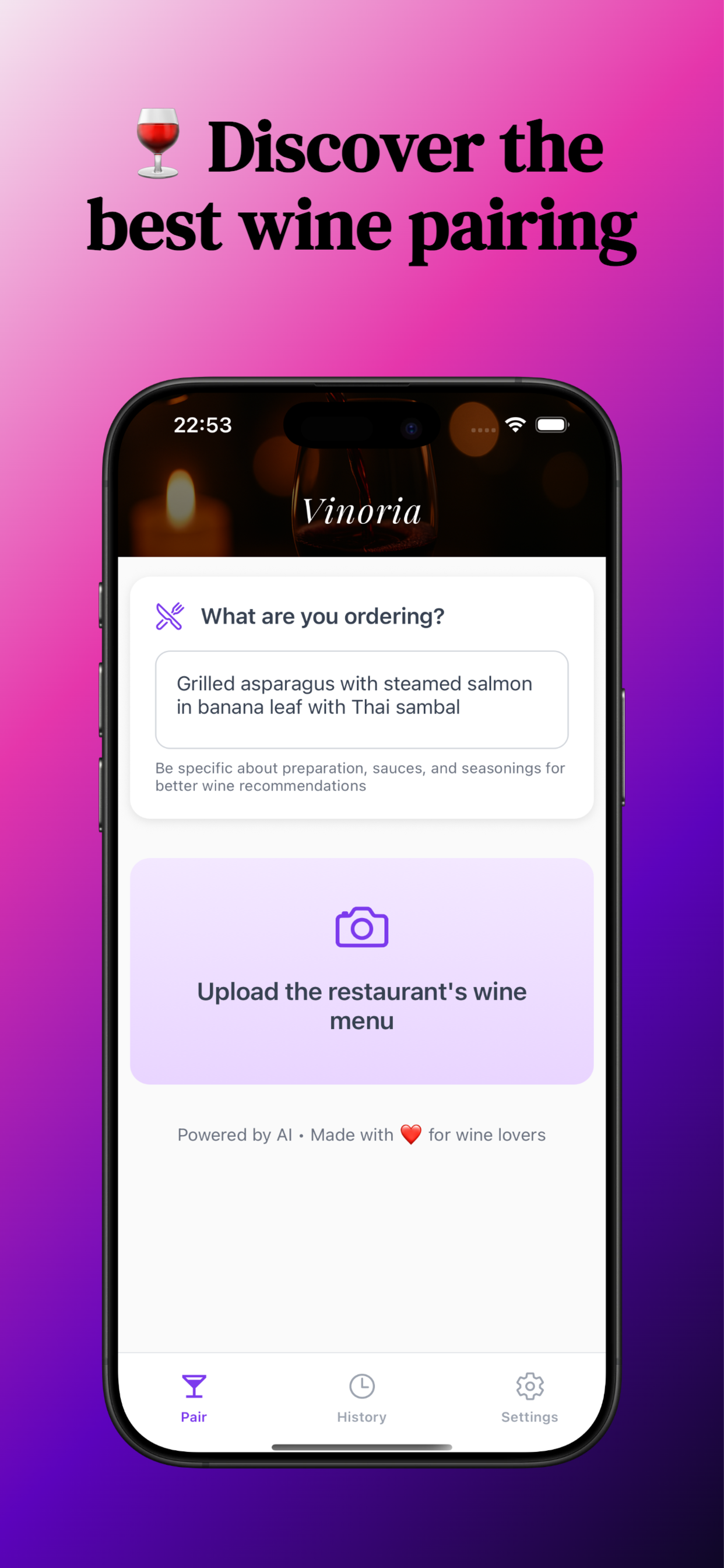
Snap & Pair
Take a photo of any wine menu and get instant recommendations based on your dish and preferences.
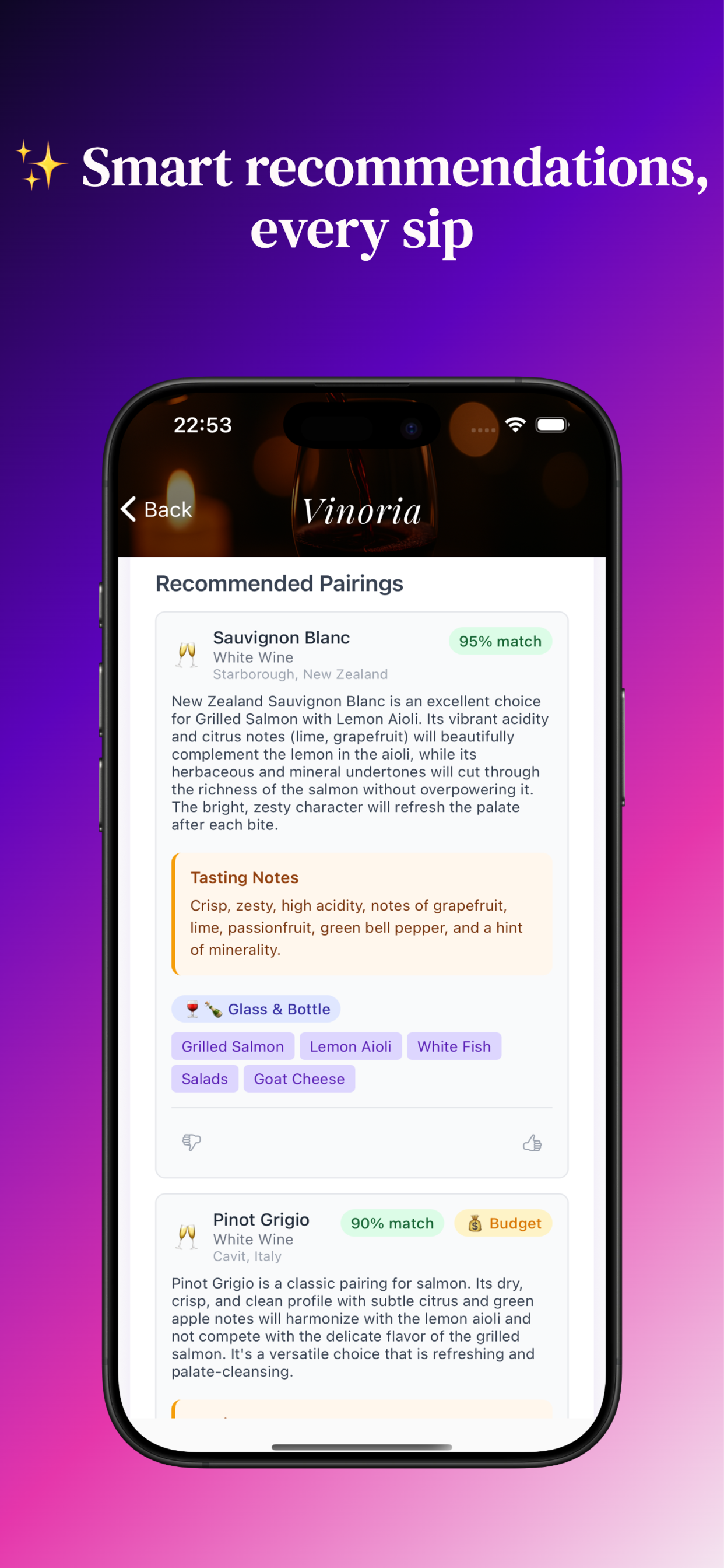
Perfect Matches
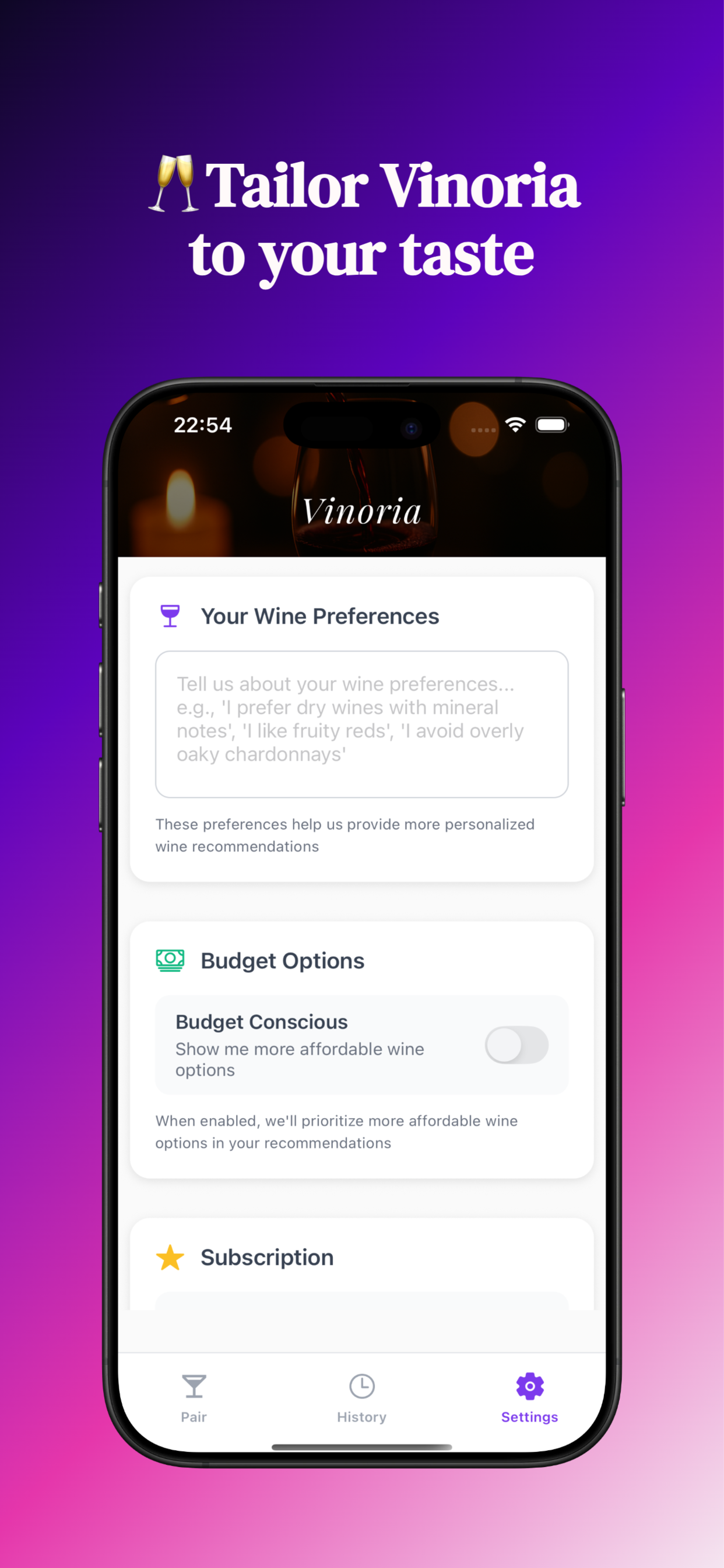
AI-powered pairings tailored to your dish, preparation methods, and personal taste preferences.
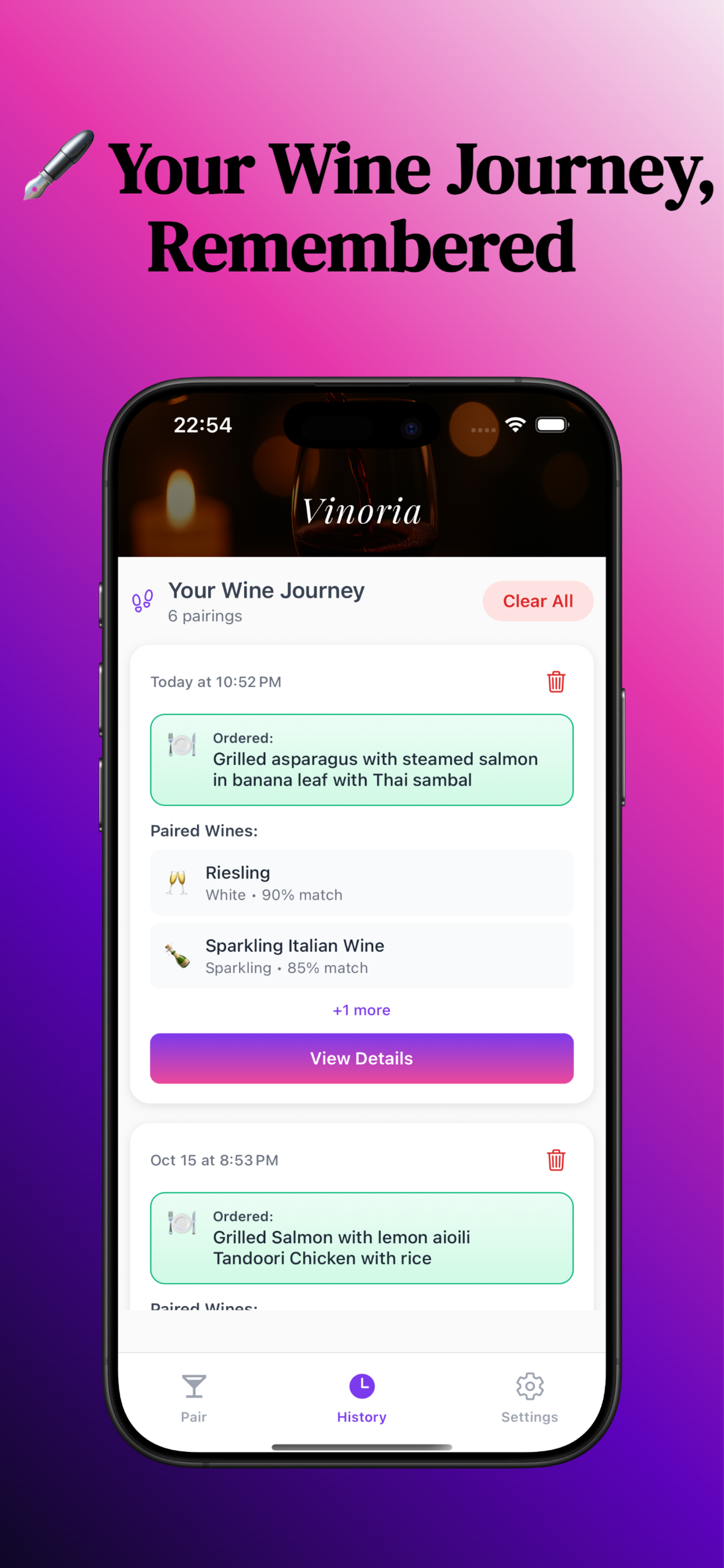
Build Your Journey
Save favorites and track your wine discoveries to build your personal wine knowledge base.
Try Free
3 complimentary pairings to experience Vinoria risk-free before upgrading to Premium.
Frequently Asked Questions
Need Help?
We're here to make your wine pairing experience exceptional. Our support team typically responds within 24 hours.
support@anutva.ioPrivacy & Terms
Privacy First: We respect your privacy. Vinoria processes wine menu photos securely and deletes them immediately after analysis. We don't collect or store your personal images.
AI Processing: When you upload wine menu images and describe your food order, this information is sent to our AI-powered backend service for analysis. The AI processes your images and generates personalized wine recommendations. Your images are processed securely and immediately deleted after analysis. We do not store your images permanently.
Data Collection: We only store your wine preferences, pairing history (if you choose to save it), and subscription status. This data remains on your device and is never shared with third parties.
Subscriptions: Premium subscriptions are managed through your Apple ID and follow Apple's standard subscription terms. You can cancel anytime through your device settings.
Refunds: Subscription refunds are handled by Apple. Contact Apple Support or request a refund through reportaproblem.apple.com.
Contact for Legal Inquiries
For privacy, terms of service, or other legal questions, please email: legal@anutva.io